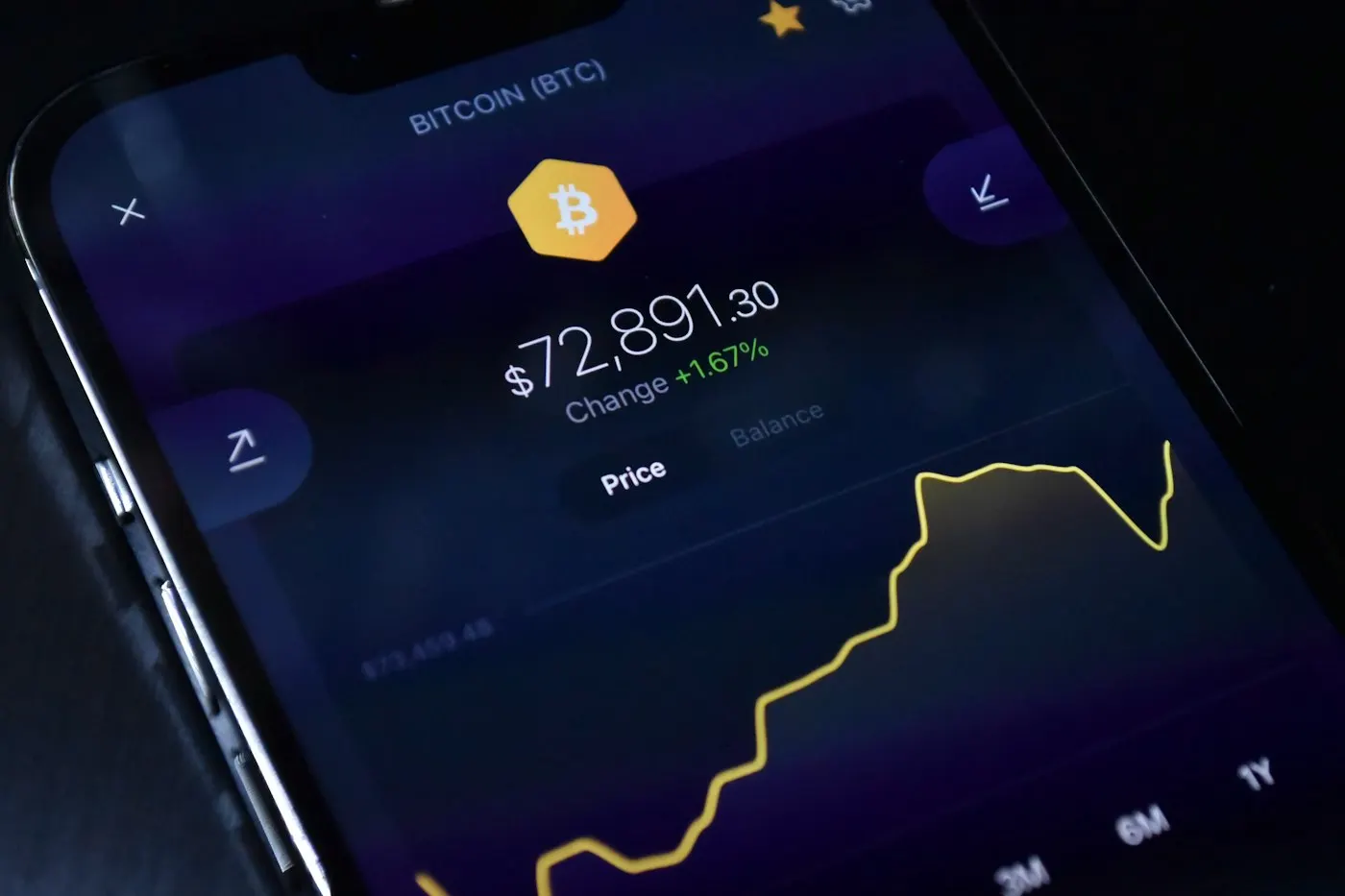
The scariest thing about a crypto wallet drainer is not that it steals your private key. It doesn't need to. The scam works by getting you to sign a single transaction that hands over permission to move your funds, while your wallet, your seed phrase and your device stay completely untouched. That distinction is the whole story: most advice about "protecting your crypto" focuses on keeping keys secret, when the real battlefield is what you approve, not what you reveal.
Key takeaways
- Wallet drainers stole about $494 million from roughly 332,000 victim addresses in 2024, up 67% year over year, according to security firm Scam Sniffer.
- Drainers typically work through a deceptive approval or signature, such as an ERC-20 "approve" or an NFT "setApprovalForAll" call, not by stealing a private key or seed phrase.
- A hardware wallet reduces risk but does not stop a drainer if you still approve the malicious transaction; the device protects the key, not your judgment.
- Checking and revoking old token approvals with a tool like Revoke.cash, and using a separate low-balance wallet for new sites, blocks the large majority of these attacks.
The Scam Doesn't Steal Your Keys, It Steals Your Signature
A classic phishing attack wants your password or seed phrase. A wallet drainer wants something subtler: your signature on a transaction you didn't actually read. When you connect a wallet to a site and click "mint," "claim," or "connect," you are often asked to approve a smart contract's request to spend a token on your behalf. That request, an ERC-20 "approve" call or the broader "setApprovalForAll" for NFTs, is a normal and necessary part of how decentralized apps work. A malicious site simply dresses the same request up as something routine, and once you sign it, the attacker's contract can move the approved assets whenever it wants.
The practical effect is that your wallet never leaves your control, yet the funds do. Security firm CertiK has noted that the window between a victim clicking "confirm" and the theft executing is typically a matter of seconds, which is why revoking an approval after the fact usually only prevents further losses rather than recovering what was already taken. This is also why the advice to "never share your seed phrase" is necessary but not sufficient. You can follow it perfectly and still lose everything to a signature you didn't understand.
Advertisement
The Money Trail Shows Why Drainer Kits Keep Scaling Up
Wallet drainers are not a handful of lone hackers. Scam Sniffer's 2024 Web3 phishing report describes an organized "drainer-as-a-service" market: kits with names like Inferno, Pink and Angel are rented out to affiliates who run the actual phishing sites, splitting the stolen funds with the kit's developers. According to that report, Pink announced its exit around the end of May after holding about 28% market share at that point, Angel held roughly 42% share in the first half of the year before fading later on, and Inferno grew from about 22% share in the first half to an estimated 40-45% in the second half.
The scale is what makes this a structural problem rather than a string of unlucky clicks. Scam Sniffer put total 2024 losses at about $494 million across roughly 332,000 victim addresses, a 67% jump in dollars stolen even though the victim count rose only 3.7%. In other words, affiliates are not necessarily phishing more people, they are landing bigger individual hits: the report logged 30 thefts above $1 million each, which Infosecurity Magazine's summary of the report put at roughly $171 million combined, and a single August incident cost one victim about $55 million after a malicious "setOwner" signature. Q1 2024 alone accounted for about $187 million of the year's total, before losses eased toward year end as major kits wound down.
That drop-off matters for context. It does not mean the threat disappeared, since new kits and lures (fake airdrops, cloned minting pages, hijacked social media accounts promoting bogus "verification" links) replace the ones that shut down. The business model survives even when individual kits don't.
Hot Wallets, Cold Wallets, and Where the Line Actually Matters
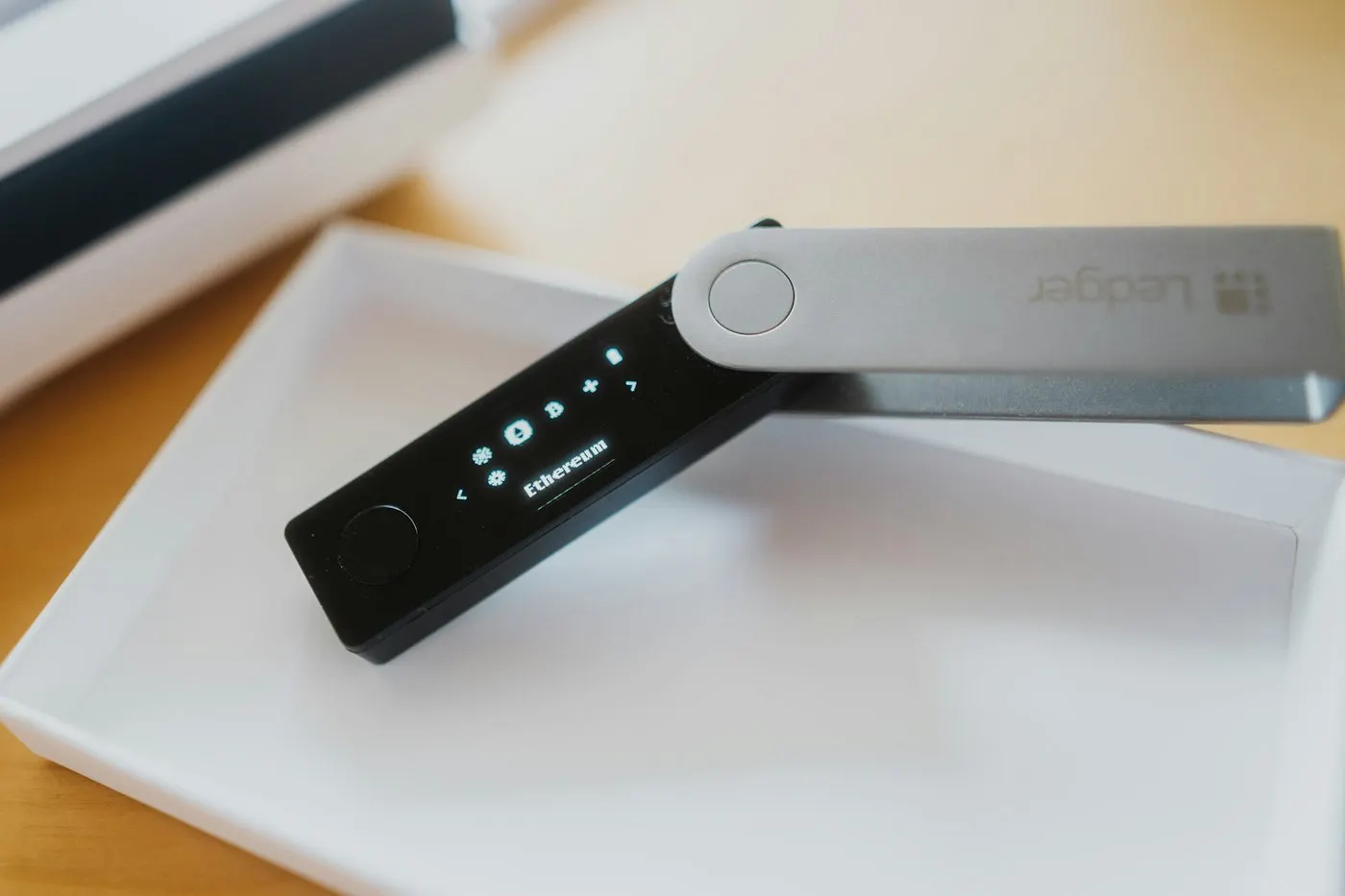
The terms "hot" and "cold" describe whether a wallet's private key ever touches an internet-connected device. A hot wallet, such as a browser extension or phone app, keeps the key on a device that can reach the web, which is convenient but means malware or a malicious page has a theoretical path to it. A cold wallet, almost always a dedicated hardware device from a maker like Ledger or Trezor, generates and stores the key on hardware that never exposes it, and signs transactions internally so the key itself never leaves the device.
Advertisement
Cold storage meaningfully reduces certain risks, like malware silently exporting a key from a compromised laptop. It does not change the approval problem described above. A hardware wallet will still ask you to approve a drainer's contract if you tell it to, because the device verifies that a transaction is correctly signed, not that the transaction is a good idea. Several 2026 security reports, including incidents involving fake hardware-wallet apps, describe losses in the millions tied to counterfeit setup software rather than a flaw in the hardware itself, which is a reminder that the weak point is usually the software layer around the device, not the chip inside it.
For readers who want the mechanics behind why blockchains need signed approvals at all, our explainer on how blockchains agree on valid transactions covers the underlying consensus layer these approvals move through.
✦ Free Newsletter ✦
Never miss a story
Tools, tutorials and AI deep-dives - straight to your inbox, every week.
A Short Checklist That Blocks Almost Every Drainer
None of this requires exotic tools. The practices below cover the overwhelming majority of real-world drainer cases described in the reporting above.
- Split your funds across wallets by purpose. Keep a "vault" wallet that never connects to a website, and a separate, low-balance wallet for minting, trading or trying new dApps. A drainer can only take what's exposed to it.
- Read what you're signing, not just the popup's title. Before approving, check whether the request is an unlimited-amount "approve" or "setApprovalForAll" rather than a one-time transfer, and whether the contract address matches the project you intended to use.
- Check and revoke old approvals periodically. Free tools such as Revoke.cash let you view every approval tied to a wallet address, per network, and revoke or reduce ones you no longer need; the tool's own guidance recommends sorting by newest first if you suspect a recent malicious signature.
- Never type a seed phrase into a website, app or support chat. Hardware wallet makers are consistent on this point: no legitimate support interaction ever requires your recovery phrase, and a request for it is the clearest single phishing signal there is.
- Verify links instead of trusting search ads or social posts. Cloned sites with near-identical URLs are a primary lure in drainer campaigns; bookmark the real sites you use for wallets and exchanges rather than searching for them each time.
A password manager habit carries over well here too. If you already rely on one to avoid reusing credentials, as covered in our comparison of Bitwarden, 1Password and Proton Pass, apply the same discipline of verifying a site before you ever authenticate, sign or approve anything on it.
Who Needs to Worry About This, and Who Can Relax a Bit
This matters most for people who actively use DeFi protocols, mint NFTs, farm airdrops, or connect a wallet to new sites regularly. Every connection and every signature is a fresh opportunity for a drainer, so frequent, exploratory on-chain activity carries the highest exposure. Anyone holding crypto exclusively on a custodial exchange account, where the exchange holds the keys and you log in with a password, faces a different risk model: account takeover and exchange-specific phishing, not wallet-approval drainers. The checklist above still helps a little (never share account credentials, verify URLs) but the self-custody-specific parts, approvals and hardware wallets, don't apply until you actually move funds into a wallet you control.
Advertisement
If you hold a small amount of crypto and rarely interact with new sites or contracts, the realistic risk is low enough that obsessive approval-auditing is probably overkill. The decision rule is simple: the more often you connect a wallet to something new, the more the checklist above is worth the ten minutes it takes.
The Honest Counterpoint: No Setup Is Fully Drainer-Proof
It's tempting to present hardware wallets and approval-checking as a complete fix, and a lot of coverage frames it that way. It isn't. A hardware wallet still requires you to approve transactions correctly, and a confident, well-designed fake popup can get an experienced user to sign something they'd reject if they slowed down. Supply-chain and counterfeit-app incidents in 2026 show that attackers have also started targeting the setup process around hardware wallets rather than the devices themselves, which sidesteps the "the key never leaves the chip" security story entirely.
There's also a real cost to the checklist above: splitting funds across multiple wallets and manually auditing approvals adds friction, and friction is exactly what most people abandon under time pressure, which is itself part of why drainers keep working. The honest position is that none of this reduces risk to zero, it reduces the attack surface and the blast radius of a mistake. A compromised low-balance "hot" wallet loses little; a compromised vault wallet with everything in it loses everything. That asymmetry, not a guarantee of safety, is the actual argument for separating wallets by purpose.
Advertisement
What to Do This Week
Pick one concrete action rather than trying to overhaul your entire setup at once. If you've connected a wallet to more than a handful of sites, spend ten minutes on Revoke.cash or a similar approval-checking tool and revoke anything you don't recognize or no longer use. If you regularly mint, trade or try new dApps, move your long-term holdings to a wallet that never touches those sites. And treat any unsolicited message asking you to "verify," "claim," or "reconnect" your wallet, especially one that arrives by email or social media, as a phishing attempt until proven otherwise. The pattern behind nearly half a billion dollars in 2024 losses was not sophisticated malware. It was a signature that looked routine and wasn't.
Sources

Advertisement