Updated October 5, 2026
Video editing software has never been more capable - or more divided. In 2026, the gap between professional NLEs and consumer tools has widened while simultaneously a new category of AI-first editors has emerged. Whether you are cutting a feature film, a YouTube video, or a 30-second Reel, the right tool changes everything.
What's new (October 5, 2026): Adobe fully discontinued Premiere Rush, its mobile-first lightweight editor, on September 30, 2026, ending technical support and removing it from the Creative Cloud desktop app, according to Adobe's own end-of-life announcement. Rush users are being pointed to Premiere on mobile and desktop instead, which leaves Premiere (reviewed below) as Adobe's only editing app for anyone who wants to stay in its ecosystem on a phone or a full timeline.
Advertisement
What's new (September 20, 2026): Blackmagic Design shipped DaVinci Resolve 21.1 in early September 2026 as a free update, adding direct integration with AI assistants including Claude and ChatGPT for project and media review tasks, over 100 new editing and colour-grading tools, and an updated multicam trim editor, according to Newsshooter and ProVideo Coalition. Because the update is free for all Resolve users, it reinforces this list's pick of Resolve as the best value option rather than changing the picture.
We compared the top contenders across performance, AI features, pricing, and real-world workflows based on vendor documentation, release notes, and user reports - we did not test these ourselves. Here are the five best.
1. DaVinci Resolve - Best Overall (Free)
Price: Free / Studio $295 one-time
Platform: Windows, macOS, Linux
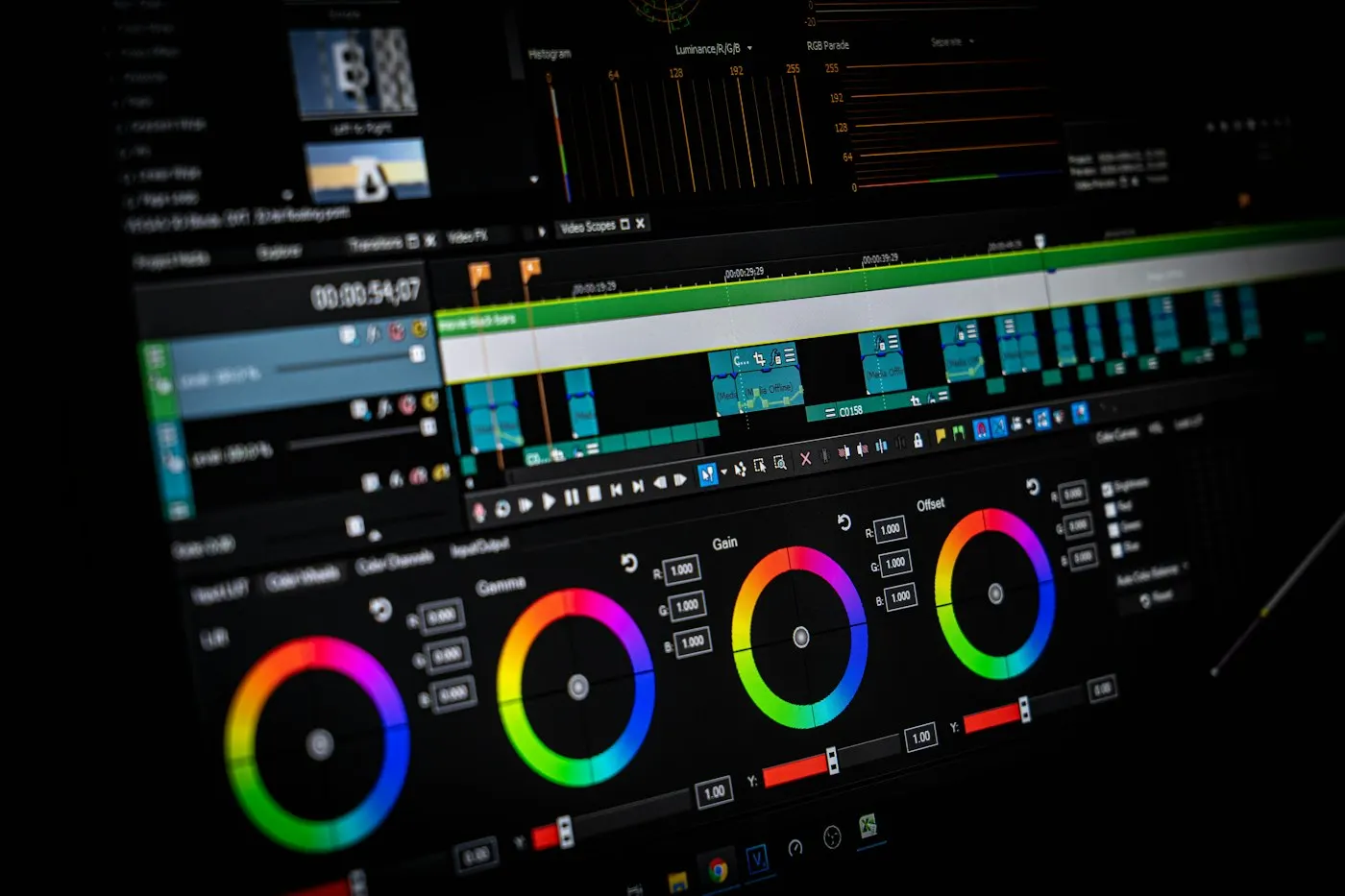
DaVinci Resolve is the unambiguous best video editor available in 2026, and the fact that it is largely free makes it almost unreasonable. Originally a colour grading tool used in Hollywood post-production, Blackmagic Design has spent years building a full NLE, audio suite (Fairlight), and VFX compositor (Fusion) around its world-class colour tools.
The 2026 Neural Engine update introduced Ultra-Isolation - a tool that cleanly removes subjects from complex backgrounds without a green screen. By most user accounts, it handles hair and motion blur better than anything else on the market. Combined with the existing Magic Mask and Speed Warp tools, DaVinci's AI toolkit is now genuinely competitive with purpose-built AI editors.
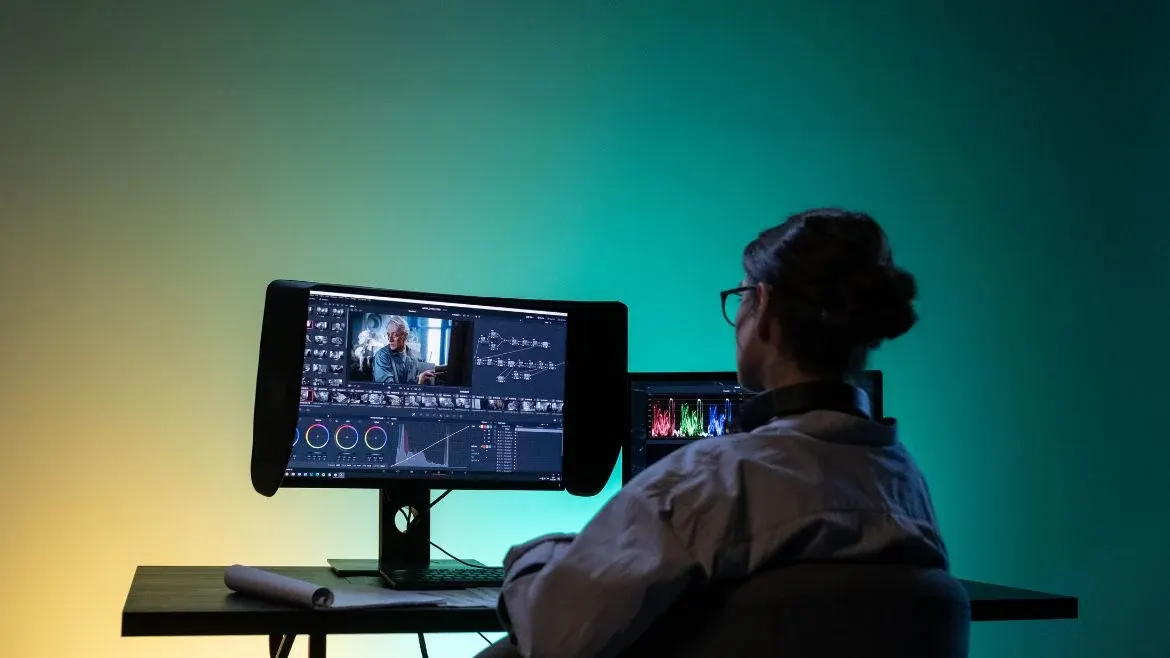
The free version covers 95% of professional needs. Studio ($295 one-time, no subscription) unlocks noise reduction, collaboration features, and GPU acceleration for some AI tools. For anyone serious about colour, finishing, or visual effects, Resolve is the answer - full stop.
- ✅ Best colour grading tools in any NLE
- ✅ Free version is genuinely professional-grade
- ✅ Runs on Windows, Mac, and Linux
- ❌ Steep learning curve for beginners
- ❌ Heavy on GPU - older machines may struggle
2. Adobe Premiere (formerly Premiere Pro) - Best for Teams and Agencies
Price: $22.99/month (single app) or $69.99/month (Creative Cloud Pro, all apps)
Platform: Windows, macOS
Premiere (as Adobe renamed Premiere Pro in January 2026) holds 35% of the professional market in 2026, and for good reason: it sits at the centre of Adobe's ecosystem. For editors who live in After Effects, Photoshop, and Audition, the round-trip workflow alone justifies the subscription.
Advertisement
The January 2026 update was significant on two fronts. Adobe dropped "Pro" from the name with the version 26 release - the app is now just Premiere, per PetaPixel and DPReview, though the interface and project files did not change. On the feature side, Generative Extend - powered by Adobe Firefly Video Model - lets you add frames to the start or end of any clip to perfectly nail a transition, without reshooting. Text-Based Editing has been overhauled: you can now edit a video like a Word document, deleting lines from the transcript to automatically cut the footage. Object Mask tracks subjects through complex scenes for background replacement and motion graphics integration.
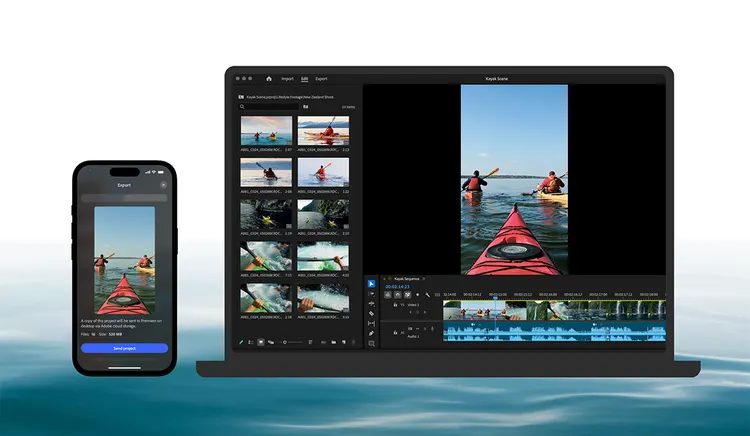
The subscription model remains its biggest weakness, and it got pricier: Adobe rebranded the Creative Cloud All Apps plan to Creative Cloud Pro in 2025 and raised the standard rate from $59.99 to $69.99/month, according to Adobe's own pricing page and AppleInsider's reporting on the change - roughly $840/year for what DaVinci gives you free (new subscribers get an introductory rate of $34.99/month for the first three months). But for agencies, broadcast teams, and editors who need After Effects integration daily, Premiere (nee Premiere Pro) remains the industry standard.
- ✅ Deep Adobe ecosystem integration
- ✅ Industry-standard in agencies and newsrooms
- ✅ Powerful new AI tools in 2026
- ❌ Expensive subscription model
- ❌ Can be unstable with large projects
3. Final Cut Pro - Best for Mac Users
Price: $299 one-time (or via the $12.99/month Apple Creator Studio bundle)
Platform: macOS only
✦ Free Newsletter ✦
Never miss a story
Tools, tutorials and AI deep-dives - straight to your inbox, every week.
Final Cut Pro is Apple Silicon's best-kept secret. On an M4 MacBook Pro, it renders timelines that would take Premiere twice as long. The magnetic timeline - still polarising among editors who learned on track-based NLEs - genuinely speeds up rough cuts once you adapt to it.
The $299 one-time price is excellent value compared to Premiere's subscription. Apple's 90-day free trial lets you test it properly before committing. The 2025/2026 updates added improved AI scene detection, better HDR workflows, and tighter integration with Apple's spatial video format for Vision Pro content. Apple also launched Apple Creator Studio in January 2026, a $12.99/month (or $129/year) bundle that adds Final Cut Pro to Logic Pro, Motion, Compressor and other pro apps, according to Apple's own announcement - worth it if you need those other tools too, though the standalone $299 purchase is still cheaper long-term for editing alone.
The catch is obvious: it only runs on Mac. Windows users need not apply. And while it handles most professional workflows, DaVinci still beats it on colour grading and Premiere beats it on ecosystem. Final Cut wins on speed and value - for Mac users specifically.
- ✅ Blazing fast on Apple Silicon
- ✅ One-time $299 purchase, no subscription
- ✅ 90-day free trial
- ❌ macOS only - no Windows version
- ❌ Magnetic timeline has a learning curve
4. CapCut - Best for Social Media and Beginners
Price: Free / Standard $9.99/month / Pro $19.99/month
Platform: Windows, macOS, iOS, Android, Web
Advertisement
CapCut has dominated the short-form content space and in 2026 it is hard to argue with its results. Built by ByteDance (TikTok's parent company), it is optimised from the ground up for vertical video, trending formats, and quick turnaround. In early 2026 CapCut restructured its paid tiers, splitting what used to be a single Pro plan into a cheaper Standard tier and a pricier Pro tier with the full AI toolkit - roughly doubling the cost of top-tier access, according to Newsweek and CapCut's own pricing-change notice.
The AI tools are where CapCut genuinely shines for its target audience. Auto-captions with 95%+ accuracy, one-tap background removal, AI-generated B-roll suggestions, smart beat sync, and viral template libraries mean a complete beginner can produce polished social content in under 10 minutes. The mobile and desktop versions stay perfectly in sync.
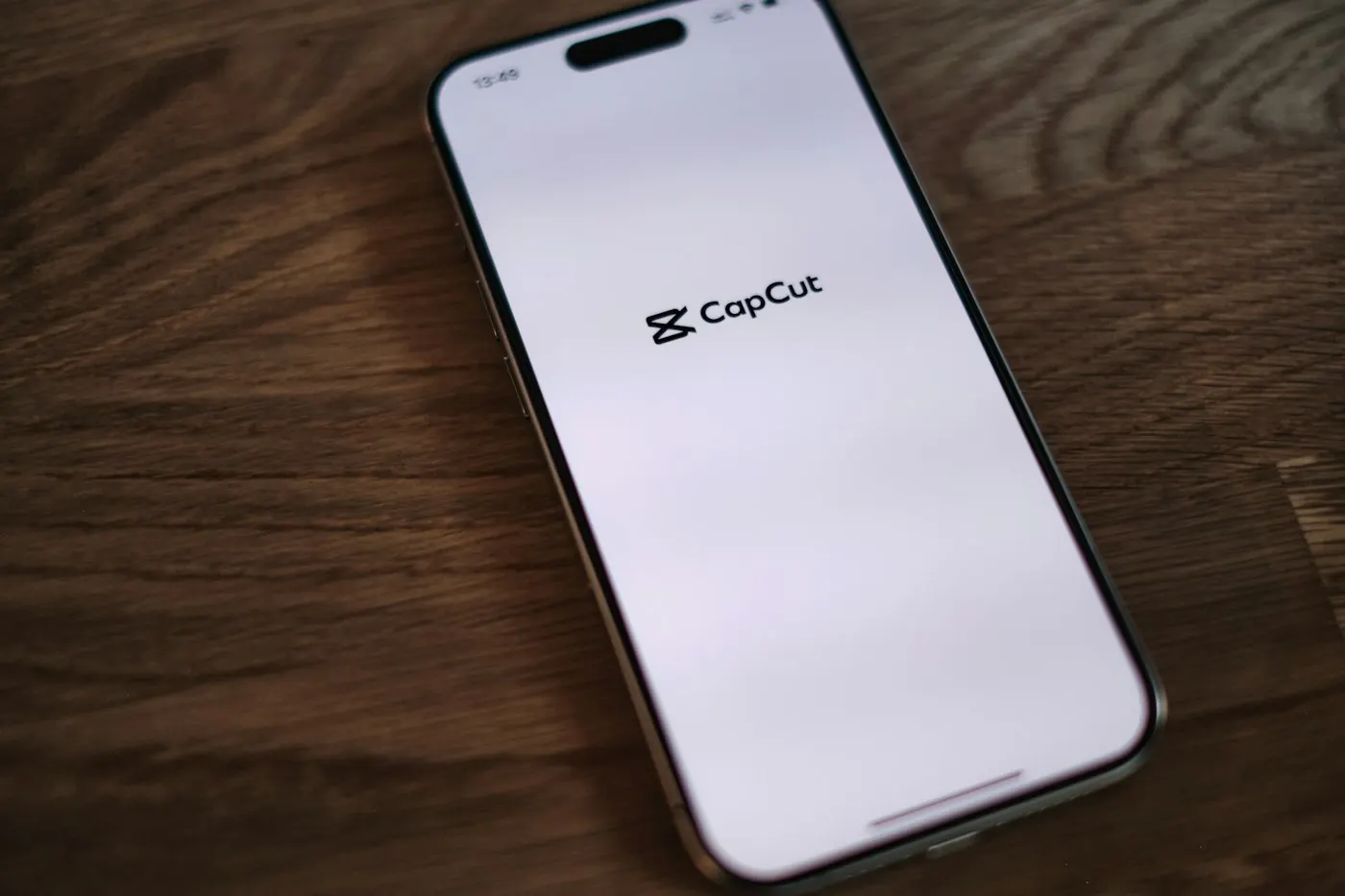
For professional filmmaking, CapCut is not the answer. But for YouTubers, TikTok creators, social media managers, and anyone who needs fast, good-looking results without a learning curve, it is the most practical tool in 2026.
- ✅ Free with powerful AI tools
- ✅ Available on every platform including mobile
- ✅ Built for social media formats
- ❌ Not suitable for professional long-form work
- ❌ ByteDance ownership raises data privacy questions
5. Descript - Best for Content Creators and Podcasters
Price: Free (limited) / Hobbyist $16-$24/month / Creator $24-$35/month / Business $50-$65/month (lower figure billed annually)
Platform: Windows, macOS, Web
Descript is the odd one out on this list - it does not look like a traditional video editor because it is not one. Instead of a timeline, you edit a transcript. Delete a sentence of dialogue and the video cut happens automatically. It sounds gimmicky until you try it on a 90-minute podcast recording and realise you have cut it to 20 minutes in under an hour.
The 2026 version expanded the Overdub feature significantly - you can now change a speaker's lip movements to match new AI-generated dialogue, fixing flubbed lines without reshooting. The Studio Sound feature removes background noise, room reverb, and mic imperfections with a single toggle. Note that Descript overhauled its pricing in late 2025, moving from simple transcription-hours to a dual meter of media minutes and AI credits, so heavy users of AI features like Overdub may see their bill grow faster than the plan price alone suggests.

Descript is not for everyone. Colour grading, multi-cam workflows, and complex timelines are outside its wheelhouse. But for YouTubers, podcasters, course creators, and anyone whose main edit task is cutting dialogue - it is the fastest tool available in 2026.
Advertisement
- ✅ Fastest way to edit dialogue-heavy content
- ✅ Outstanding noise removal and audio tools
- ✅ No video editing experience required
- ❌ Not suited for complex visual editing
- ❌ Subscription required for most useful features
Which One Should You Choose?
| Software | Best For | Price |
|---|---|---|
| DaVinci Resolve | Professional filmmakers, colour work | Free / $295 |
| Adobe Premiere | Agencies, teams, Adobe users | $22.99/mo |
| Final Cut Pro | Mac users, fast rendering | $299 one-time / $12.99/mo bundle |
| CapCut | Social media, beginners | Free / $9.99-$19.99/mo |
| Descript | Podcasters, content creators | Free / $16-$65/mo by tier |
If you only have time to try one: download DaVinci Resolve. It is free, runs on everything, and handles 95% of professional workflows. Move to Premiere if your team is already in the Adobe ecosystem, Final Cut if you are on Mac and value speed, CapCut if your output is social-first, or Descript if you spend most of your time cutting dialogue.
The best editor is the one that fits your workflow - not the one with the most features.
Sources
- Newsshooter: Blackmagic Design DaVinci Resolve 21.1
- ProVideo Coalition: DaVinci Resolve 21.1 is a huge update
- PetaPixel: Rebranded Adobe Premiere 26 arrives with one-click object tracking
- DPReview: Adobe Premiere gets a cleaner name and some new tricks
- Apple Newsroom: Introducing Apple Creator Studio
- Newsweek: App used by millions nearly doubles subscription price overnight
- CapCut: Understanding the Pricing Change
- Descript: Pricing
- Adobe Community: Premiere Rush discontinuation announcement
- Adobe: Premiere pricing
- AppleInsider: Adobe hikes Creative Cloud prices with a rebrand
Advertisement