The best mechanical keyboards of 2026 are not defined by clicky switches or RGB lighting anymore. They are defined by what is underneath the keycap: a magnet and a sensor that read exactly how far you have pressed, instead of a physical contact point that only registers on or off. That shift, from mechanical to Hall effect, is the real story behind this year's best mechanical keyboard picks, and it changes which board is actually right for you depending on whether you type, code or compete.
Key takeaways
- Hall effect and Rapid Trigger switches, once confined to niche gaming boards, went mainstream in 2026 with new entries from Razer and an updated line from SteelSeries.
- Razer's Huntsman V3 HE Magnetic TKL launched at $139.99 in July 2026, undercutting the SteelSeries Apex Pro TKL Gen 3 ($199.99) while using the same magnetic-switch principle, according to TechRadar's review and Razer's own launch pricing.
- If you do not play fast, reflex-driven competitive games, a standard mechanical board like the Logitech MX Mechanical Mini ($159.99) will feel just as good day to day and costs less.
- Programmers generally get more real-world value from a remappable 75% layout with QMK or VIA support, such as the Keychron Q1 Max, than from a faster switch.
This guide is for anyone shopping for a new mechanical keyboard in 2026, whether for daily office typing, writing code, or competitive gaming. It is not for people who already own a board they like and are only chasing marginal actuation-speed gains: for most typing and most games, the difference won't be noticeable. Read the counterpoint section before spending $140 or more chasing Rapid Trigger.
The Real 2026 Story Is the Switch, Not the Brand
A standard mechanical switch closes a physical metal contact at a fixed point in its travel, typically around 2mm down, and that point cannot change without swapping the switch. A Hall effect (also called magnetic or analog) switch instead uses a magnet moving past a sensor, so firmware can read its position continuously across the full travel, commonly up to 4mm. That continuous reading enables Rapid Trigger: instead of waiting for a key to fully release before it can be pressed again, the keyboard resets the instant the key starts moving back up, from whatever depth it reached.
Advertisement
Hall effect switches have existed in gaming keyboards for several years, led by Dutch brand Wooting. What changed in 2026 is that the technology stopped being a boutique feature. Razer launched its own Hall Effect Magnetic switch line in late July 2026 with the Razer Huntsman V3 HE Magnetic TKL, priced at $139.99, alongside a $119.99 Mini 65% model, according to TechRadar's and CGMagazine's reviews of the launch. SteelSeries followed with a third-generation Apex Pro TKL built around its OmniPoint 3.0 switches. The effect on price has been real: what cost well over $200 a couple of years ago now starts under $140 from a mainstream brand.
Best for Competitive Gaming: Hall Effect and Rapid Trigger
For anyone who plays ranked shooters like Valorant or Counter-Strike 2, the Huntsman V3 HE Magnetic TKL is the easiest recommendation here. It uses Razer's own Hall effect switches with adjustable actuation from 0.1mm to 4.0mm, 8,000Hz polling, and Rapid Trigger support through Razer's Synapse software. TechRadar called it "an almost-perfect analog keyboard," and at $139.99 it is the cheapest board from a major brand with this feature set. Best for: competitive players who want adjustable actuation without a premium brand tax. Drawback: Synapse is heavier software than Wooting's dedicated Wootility app. Skip this if you already own a Hall effect board from another brand, since the practical gaming benefit over a well-tuned rival is small.
The Wooting 60HE+ is the alternative worth knowing, since it is where this category started. Wooting's Lekker L60s switches and Wootility software remain the most mature and most trusted by competitive players, and the 60% layout suits a minimal desk. Pricing varies by keycap and switch configuration across retailers, so check Wooting's own site for the current figure. Best for: players who want deep firmware customization and don't mind losing the arrow keys and function row. Skip this if you need a full-size or TKL layout instead.
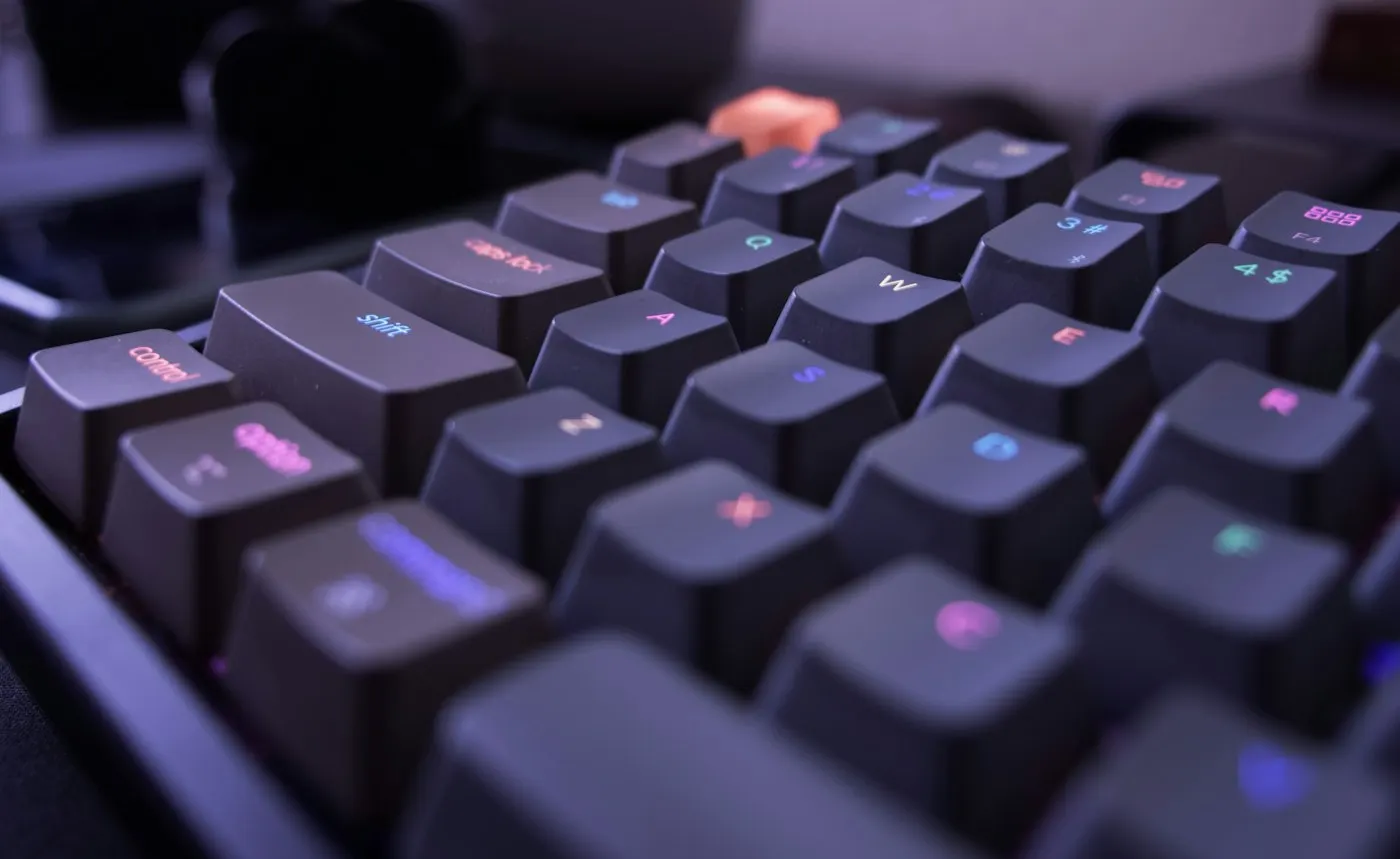
The best gaming laptops of 2026 increasingly get paired with external keyboards like these, since even a good laptop keyboard cannot match adjustable actuation. The SteelSeries Apex Pro TKL Gen 3 is the pick for players who want a screen: its OLED display shows actuation presets without opening an app, and it starts at $199.99 per SteelSeries's own listing and matching prices at Best Buy and Amazon. Skip this if $199.99 is more than you want for a TKL board, since the OLED is a convenience feature, not a performance one.
Advertisement
Best for Office Typing: Quiet, Wireless Comfort
Not everyone needs adjustable actuation. For daily typing in an office, the Logitech MX Mechanical Mini is the strongest pick. It uses standard mechanical switches (tactile quiet, clicky or linear variants), pairs up to three devices over Bluetooth or a Logi Bolt receiver, and Logitech advertises up to 15 days of battery life with the backlight on. It is listed at $159.99 across Amazon, B&H and Newegg. Best for: anyone typing for hours a day who wants a quiet, wireless board. Drawback: no hot-swappable switches. Skip this if you want to customize switches later, since it's a closed system by design.
Best for Programmers: Custom Layouts You Can Remap
Programmers benefit less from switch speed and more from where keys physically sit. The Keychron Q1 Max runs QMK and VIA firmware, letting you build custom layers so brackets, pipes and arrow keys sit under your fingers instead of a stretch to the number row. It ships in a 75% layout that keeps the function row (useful for F5 debugging and terminal shortcuts), with a gasket-mounted aluminum case and hot-swappable switches. It starts around $189 barebones and about $209 fully assembled, per pricing reported in AppleInsider's and XDA Developers' reviews. Best for: developers who want to remap their layout once and forget it. Skip this if you won't actually use QMK or VIA, since you'd be paying for flexibility you won't use.

The NuPhy Air75 V2 is the budget alternative at $119.95 direct from NuPhy. It keeps the same 75% layout and VIA remapping, adds a 4,000mAh battery NuPhy says lasts 35 to 57 hours with the backlight on, and is hot-swappable. Best for: programmers on a budget who still want VIA remapping. Skip this if you also game on the side, since reviewers including RTINGS and Tom's Guide note its key spacing feels less precise for gaming than a standard layout.
✦ Free Newsletter ✦
Never miss a story
Tools, tutorials and AI deep-dives - straight to your inbox, every week.
How We Chose
We compared published specifications, manufacturer pricing pages and expert reviews from outlets including TechRadar, RTINGS, Tom's Guide, AppleInsider and CGMagazine; we did not test these products ourselves. We prioritized boards with a confirmed price from the manufacturer or matching prices across two independent retailers, current-generation switch technology, and a clear best-use case, over boards that only ranked well on affiliate "best of" lists.
Advertisement
| Keyboard | Switch type | Layout | Connectivity | Price |
|---|---|---|---|---|
| Razer Huntsman V3 HE Magnetic TKL | Hall effect, 0.1-4.0mm adjustable | TKL (87-key) | Wired, 8,000Hz polling | $139.99 |
| Wooting 60HE+ | Hall effect (Lekker L60s) | 60% | Wired | Varies by config, check Wooting.io |
| SteelSeries Apex Pro TKL Gen 3 | Hall effect (OmniPoint 3.0) | TKL | Wired (wireless variant available) | $199.99 |
| Logitech MX Mechanical Mini | Standard mechanical (tactile quiet, clicky or linear) | 75% | Bluetooth or Logi Bolt | $159.99 |
| Keychron Q1 Max | Standard mechanical, hot-swap | 75% | 2.4GHz, Bluetooth or wired | $189-209 |
| NuPhy Air75 V2 | Standard mechanical, hot-swap | 75% | Bluetooth, 2.4GHz or wired | $119.95 |
Do You Actually Need Hall Effect?
The honest counterpoint most buying guides skip: for most typing and even most casual gaming, a standard mechanical switch performs identically to a Hall effect one. Rapid Trigger's advantage is real but narrow. It shortens the time between releasing and re-pressing a key, which matters in games where counter-strafing at a high level is decided by single-digit milliseconds, like ranked Valorant or CS2 play. Outside that specific context, human reaction time (typically 150 to 250 milliseconds) dwarfs any switch-level timing gain.

The strongest case for Hall effect boards isn't speed for its own sake, it's adjustability: setting a feather-light 0.5mm actuation for rapid taps or a heavier 2mm setting to avoid accidental presses, without buying a different switch.
That adjustability has value even for non-competitive users, which is why we still recommend these boards to gamers broadly. But if you are choosing between a $140 Hall effect board and a $60 standard one purely for typing or writing code, the extra money buys a feature you will likely never use. Spend it on a better switch feel or layout instead.
- Choose a Hall effect board if you play fast, reflex-driven competitive games and want adjustable actuation or Rapid Trigger.
- Choose a standard mechanical board if you mostly type, write code, or play slower-paced games where switch timing won't be the deciding factor.
- Skip both and keep your current board if you already own one you like and are only chasing marginal speed gains.
What We Left Out and Why
We left out ultra-compact 40% and 65% boutique boards, since they require memorizing layered key functions most readers do not want to learn. We also left out split and ergonomic keyboards, which solve a different problem (wrist and shoulder strain) and deserve their own guide. Corsair's K70 Max, another Hall effect option, was close to making the list, but its pricing was less consistently reported across retailers than the boards included here, so we left it out rather than guess.
Advertisement
Frequently Asked Questions
Is a Hall effect keyboard worth it if I don't play competitive shooters? Mostly no. Adjustable actuation is nice to have, but you're paying a premium for gaming-specific speed you won't use.

Do Hall effect switches wear out faster than standard ones? No, the opposite: with no physical contact to wear down, Razer rates its Hall effect switches for 100 million keystrokes, versus 50 to 80 million for typical mechanical switches.
Can I use a Hall effect keyboard for typing and office work? Yes, but you're paying for a feature you likely won't use. A standard board like the Logitech MX Mechanical Mini feels just as good for typing at a lower price.
What layout should programmers choose? A 75% layout is the common recommendation: it keeps the function row for shortcuts like F5 while staying compact enough to keep your mouse within easy reach.
Sources
- TechRadar: Razer Huntsman V3 HE Magnetic Tenkeyless 8KHz review
- CGMagazine: Razer Huntsman V3 HE Magnetic Tenkeyless 8KHz Keyboard Review
- SteelSeries: Apex Pro TKL Gen 3 product page
- Logitech: MX Mechanical Mini product page
- AppleInsider: Keychron Q1 Max review
- RTINGS: NuPhy Air75 V2 review
- Wooting: 60HE+ product page
Last updated: September 25, 2026

Advertisement