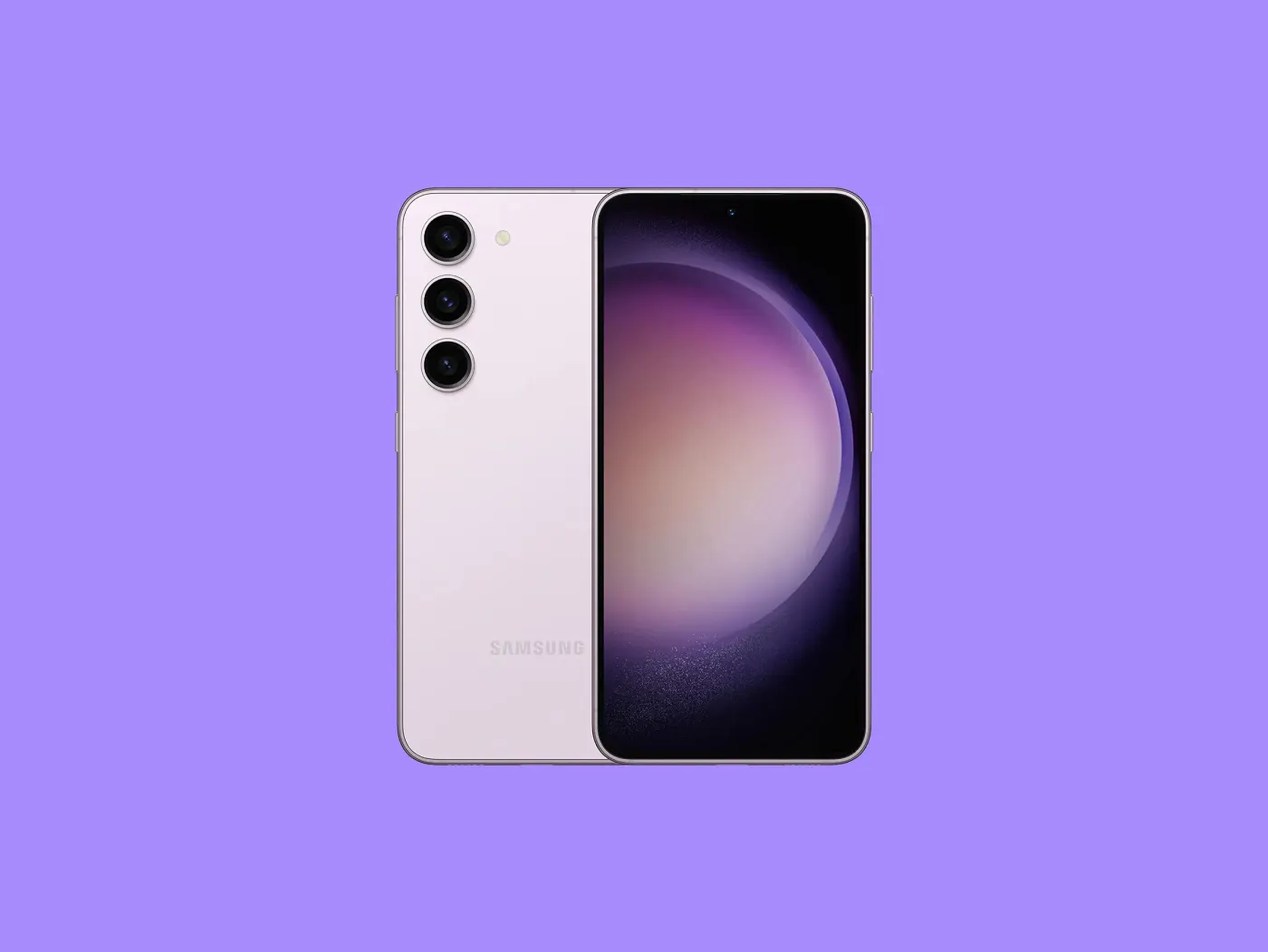
If you updated your Galaxy S23, S23+, or S23 Ultra to One UI 8.5 in the past few weeks and woke up to a vertical green or pink line running down your display, you are not alone and you did not do anything wrong.
Reports started flooding in across Reddit, Samsung Community forums, and X from Galaxy S23 owners across India, South Korea, the US, and Europe. The pattern is consistent: device had no physical damage, no drops, no cracks. Owner installs One UI 8.5 update. Green or pink vertical line appears on screen, sometimes immediately after the update completes, sometimes within hours.
Samsung has not issued an official statement yet as of June 16, 2026. Here is everything known about the issue, what to do if it has already happened to you, and whether you should install the update if you haven't yet.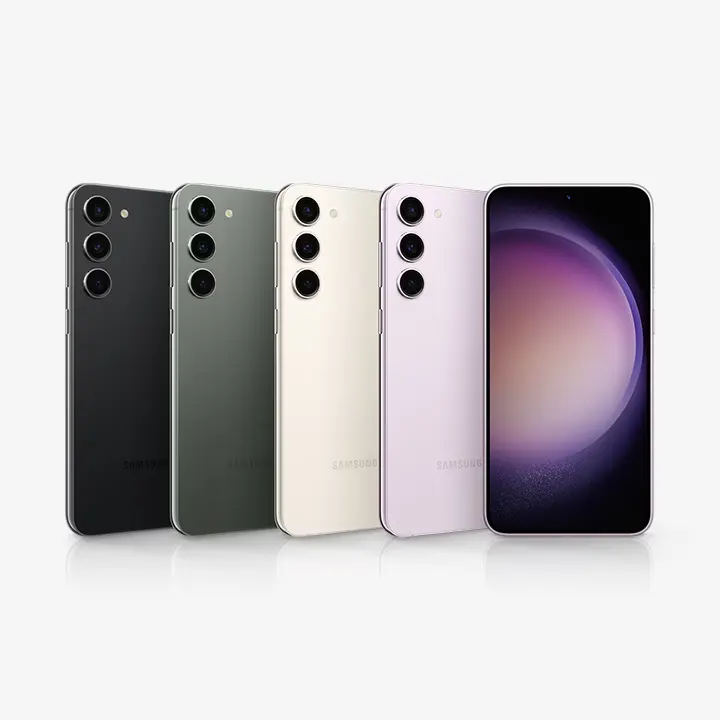
Advertisement
What Is Actually Happening
The current leading explanation from technical analysts is that the One UI 8.5 update is causing overheating in some Galaxy S23 devices during installation, and that heat is damaging the OLED display panel.
OLED screens are sensitive to heat. The organic compounds that produce the display's image can be permanently damaged by sustained high temperatures - and a major software update running in the background while the device manages new processes simultaneously can push temperatures higher than normal operation. When the display's internal components are stressed by heat during this window, vertical lines - the characteristic failure signature of OLED panel damage - can appear.
This explains why the problem is not universal. Not every S23 runs hot during updates, and not every device has an OLED panel at exactly the threshold of vulnerability. The users whose devices were affected appear to have been unlucky in the specific combination of their device's condition and the update's thermal behaviour.
The green line issue is not new for Samsung. An almost identical wave of reports hit Galaxy S series users in 2023 after a different update rollout. Samsung responded at the time by offering a one-time free display replacement to affected users. That precedent is directly relevant to what affected users should be doing right now.
What To Do If Your Screen Already Has a Green or Pink Line
Step 1: Document everything immediately.
Take screenshots and photos of your screen showing the line. Note the exact date you installed the One UI 8.5 update - check your Settings > Software update > Update history if you are unsure. Screenshot your software version in Settings > About phone. This documentation is your evidence that the line appeared after the update, not from physical damage, and it is essential for any warranty or replacement claim.
Step 2: Do not attempt DIY fixes.
You will find suggestions online to press the line, apply pressure to the back of the device, or run heating and cooling cycles. Do not do any of these. OLED line issues caused by internal damage cannot be fixed externally, and any pressure or thermal stress you apply risks causing additional damage that could complicate a warranty claim. The device needs professional assessment.
Step 3: Contact Samsung Support before going to a service centre.
Call or chat with Samsung Support directly and describe the issue - specifically that the green line appeared after installing the One UI 8.5 update with no physical damage to the device. Reference the 2023 precedent where Samsung offered free replacements for update-triggered display issues. The more users who report this directly to Samsung, the faster the company acknowledges the problem officially and establishes a formal response.
The Samsung Members app has a Send Feedback option and an Error Report function. Use both. These reports feed directly into Samsung's engineering teams and accelerate official acknowledgement.
Step 4: Check your warranty status.
If your Galaxy S23 is still under the standard manufacturer's warranty (typically one year from purchase), a software-triggered hardware defect should be covered. If you purchased from a UK retailer, the Consumer Rights Act 2015 provides protection for up to six years for faults that were present at the time of purchase - and a defect triggered by an official software update is a strong basis for a claim.
Out-of-warranty users are in a harder position. Samsung service centres are currently quoting approximately $205 (around £160) for a display replacement on affected devices. That is a significant cost for a problem the user did not cause, and pushing back through Samsung Support - specifically citing the 2023 free replacement precedent - is worth attempting before paying.
Step 5: Escalate if Samsung's initial response is unsatisfactory.
If Samsung Support initially declines to cover the repair under warranty, escalate. In the UK, contact the retailer you purchased from under the Consumer Rights Act. In the US, consider filing a complaint with the FTC's consumer reporting portal and mentioning it on Samsung's official social channels - public pressure significantly accelerated Samsung's response in 2023. In India, the Consumer Forum has been effective for similar issues with major manufacturers.
✦ Free Newsletter ✦
Never miss a story
Tools, tutorials and AI deep-dives - straight to your inbox, every week.
Should You Install One UI 8.5 If You Haven't Yet?
The current advice from multiple Samsung coverage sites and a prominent tech tipster with a strong track record: hold off.
If your Galaxy S23 has not yet received or installed the One UI 8.5 stable update, the safest course right now is to wait. Go to Settings > Software update and if the update is available but not yet installed, leave it pending until Samsung either issues a patch that addresses the overheating behaviour or clarifies which devices are safe to update.
This is not permanent advice. Samsung will almost certainly release a corrective update addressing the overheating issue, as it did with Beta 2 which fixed a related green line problem during 4K HDR video recording. Once a fix is confirmed and users report clean installs, updating becomes safe again.
To pause updates temporarily: Settings > Software update > tap the three-dot menu in the top right > turn off Auto download over Wi-Fi. This prevents the update downloading automatically in the background.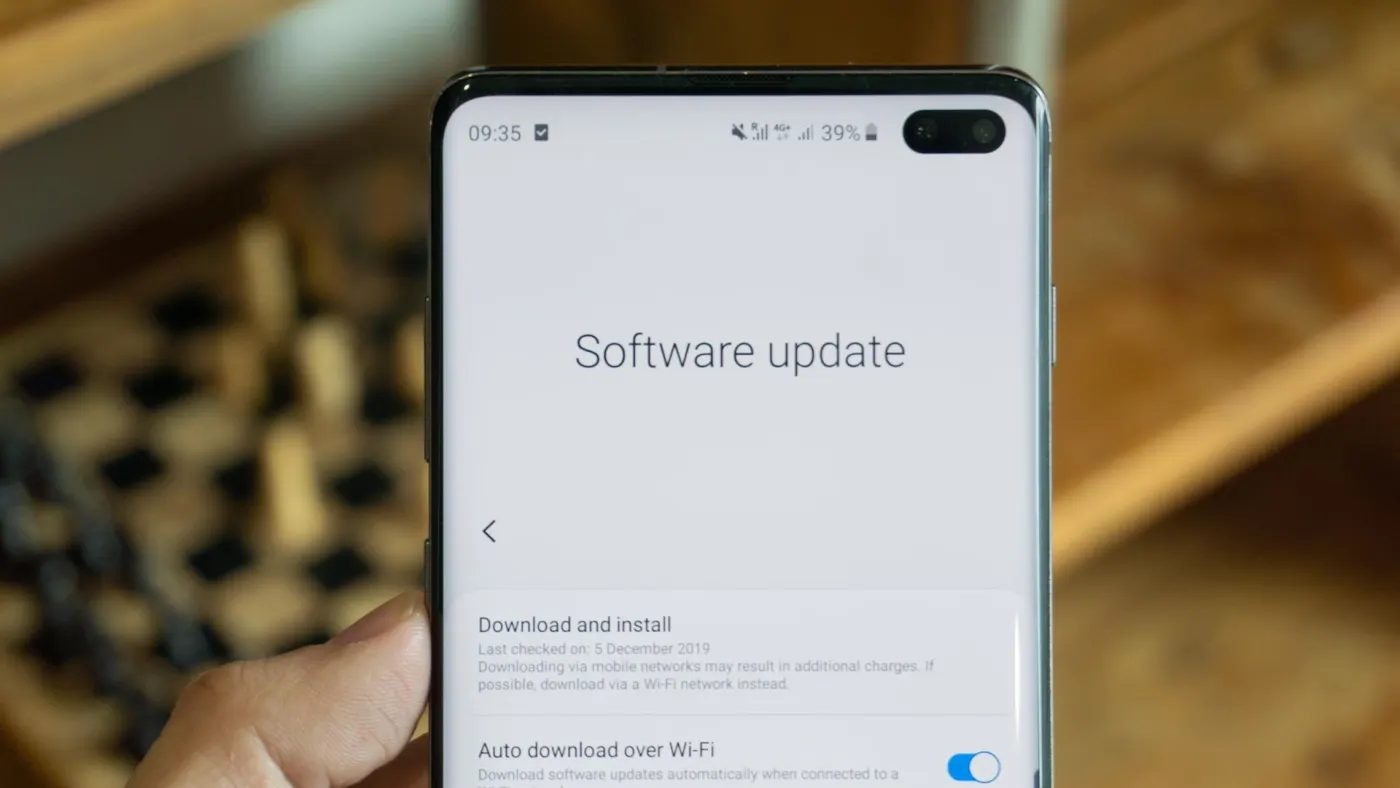
What One UI 8.5 Actually Contains - In Case You Are Still Waiting
For context on what the update brings that is making people want to install it despite the risk:
One UI 8.5 is built on Android 16 and brings a significant expansion of Galaxy AI features. The update brings real-time ambient noise cancellation to third-party calling apps, not just Samsung's own. The camera gets three new filters and improved stability. Quick Share now supports file transfers to and from Apple AirDrop, which is genuinely useful for anyone in a mixed iPhone and Android environment. Lock screen widgets have been improved. The update also brings the May 2026 security patch level.
These are worthwhile features. They are not worthwhile if the update risks a $200 repair bill. Wait for the all-clear before installing.
Is This a Galaxy S23-Specific Problem?
The reports so far are concentrated on the Galaxy S23 series - S23, S23+, and S23 Ultra. Galaxy S24 and S25 series users installing One UI 8.5 have not reported the same pattern of issues at scale.
This is consistent with the hardware explanation. The S23 series uses OLED panels that are now three years old. OLED panels degrade slightly over time, and panels that have been in daily use for three years are closer to the thermal threshold where update-related overheating can trigger visible damage. Newer panels in the S24 and S25 series have more headroom.
This does not mean S24 users are guaranteed safe - but it does explain why the S23 is disproportionately affected and means S24 and S25 owners can install with less concern, though monitoring device temperature during the update is sensible.
Samsung's Likely Response
Based on the 2023 precedent, the most probable sequence of events is:
Samsung will continue to receive escalating reports through the Samsung Members app, community forums, and media coverage over the next week to two weeks. Once the volume of reports reaches the threshold that triggers an official response - and the media coverage of the issue is already accelerating that timeline - Samsung will issue a statement acknowledging the display line issue and announce a policy for affected devices.
In 2023, that policy was a one-time free display replacement for verified cases. There is no guarantee the same offer will apply in 2026, but it is the precedent and the most likely path for affected users who document their case properly and push through official channels.
A software patch addressing the update's thermal behaviour is also likely, which would make future installations safe for unaffected S23 devices.
The Bigger Picture
This is the second time a Samsung software update has caused this specific problem on the same product line. The green line issue from 2023 was documented widely enough that Samsung's engineering teams were aware of the relationship between update behaviour and OLED thermal stress. That it has happened again with One UI 8.5 suggests the QA process for thermal management during updates did not fully incorporate the lessons from 2023.
For Galaxy S23 owners who have been loyal Samsung customers through multiple upgrade cycles, having a three-year-old flagship damaged by an official software update is a legitimately frustrating experience. The device worked fine. The update broke it.
Samsung's response to the 2023 incident preserved significant goodwill. How the company handles this second occurrence will be watched closely by the Galaxy community - and the speed and generosity of the response will tell you something about whether Samsung has genuinely learned from the first time around.
In the meantime: document everything, contact Samsung Support directly citing the 2023 precedent, and do not install the update on unaffected S23 devices until the situation is clearer.
The fix is coming. Getting Samsung to cover the cost of the damage it caused is the part that requires persistence.

Advertisement