
If you only remember one thing from this guide to the best portable SSD in 2026, make it this: the number printed on the box almost never shows up on your desk. Every drive below is rated for speeds that assume a 20Gbps USB port, a certified cable, and a laptop that was built in the last two years. Most buyers have one of those three, not all three, and that gap is where "best" buying guides usually go wrong.
Key takeaways
- The Samsung T9 is the safest all-around pick: 2,000MB/s read and 1,950MB/s write, a 5-year warranty, and 3-meter drop resistance, confirmed on Samsung's own product page.
- The Crucial X10 Pro advertises slightly higher throughput (2,100/2,000MB/s) at a lower street price, but reviewers clock its real-world speed closer to 2,057/1,834MB/s.
- The SanDisk Extreme Portable SSD V2 doubled its warranty to 5 years and kept IP55 dust and water resistance, but its rated speed (1,050/1,000MB/s) is roughly half the two drives above.
- If you plug any of these into a laptop with only a 10Gbps or 5Gbps USB port, you will not see the advertised speed no matter which drive you buy, so check your own port before you pay for extra bandwidth.
How We Chose
We compared published specification sheets from Samsung, Crucial and SanDisk/Western Digital's own product listings, alongside independent testing from outlets including PCWorld, TechRadar, StorageReview and TechAdvisor. We did not test these products ourselves. Where a vendor's rated speed and a reviewer's measured speed differed, we list both, because the gap itself is useful information. We prioritized drives with a 5-year warranty, a USB-C connector, and at least one independently verified benchmark, and we excluded anything whose specs we could not confirm from two agreeing sources.
The Samsung T9 Is the Best Portable SSD for Most People
Samsung Portable SSD T9 is the drive to buy if you want one external SSD and don't want to think about it again. Samsung's own product page lists sequential speeds of up to 2,000MB/s read and 1,950MB/s write over USB 3.2 Gen 2x2 (20Gbps), a 3-meter drop rating, AES 256-bit hardware encryption, and a 5-year limited warranty. It ships in 1TB, 2TB and 4TB sizes, with street pricing that has run around $140, $240 and $440 respectively according to both Fonearena and PCWorld's launch coverage.
Advertisement
Best for: anyone who wants a single dependable drive for backups, Lightroom catalogs or game installs and doesn't need the absolute fastest number on the shelf. Main drawback: its textured grip surface collects dust and lint, and it's not the cheapest per terabyte. Skip this if you're on a tight budget and only need occasional backup speeds, not peak throughput.
Three Alternatives Worth Considering
The Crucial X10 Pro undercuts the T9 on price while claiming to beat it on paper: 2,100MB/s read and 2,000MB/s write, also over USB 3.2 Gen 2x2, with IP55 dust and water resistance and a 5-year warranty. StorageReview's testing put real-world performance closer to 2,057MB/s read and 1,834MB/s write, which is still fast but a reminder that rated and tested numbers diverge industry-wide, not just here. Street prices for the 1TB, 2TB and 4TB versions have run close to $120, $170 and $290. Best for: buyers who want Samsung-tier speed for noticeably less money. Main drawback: some reviewers flagged the X10 Pro as pricier than Crucial's own older X8 and X6 lines without a proportional jump in real-world feel. Skip this if brand-name resale value or retail availability matters more to you than the spec sheet.
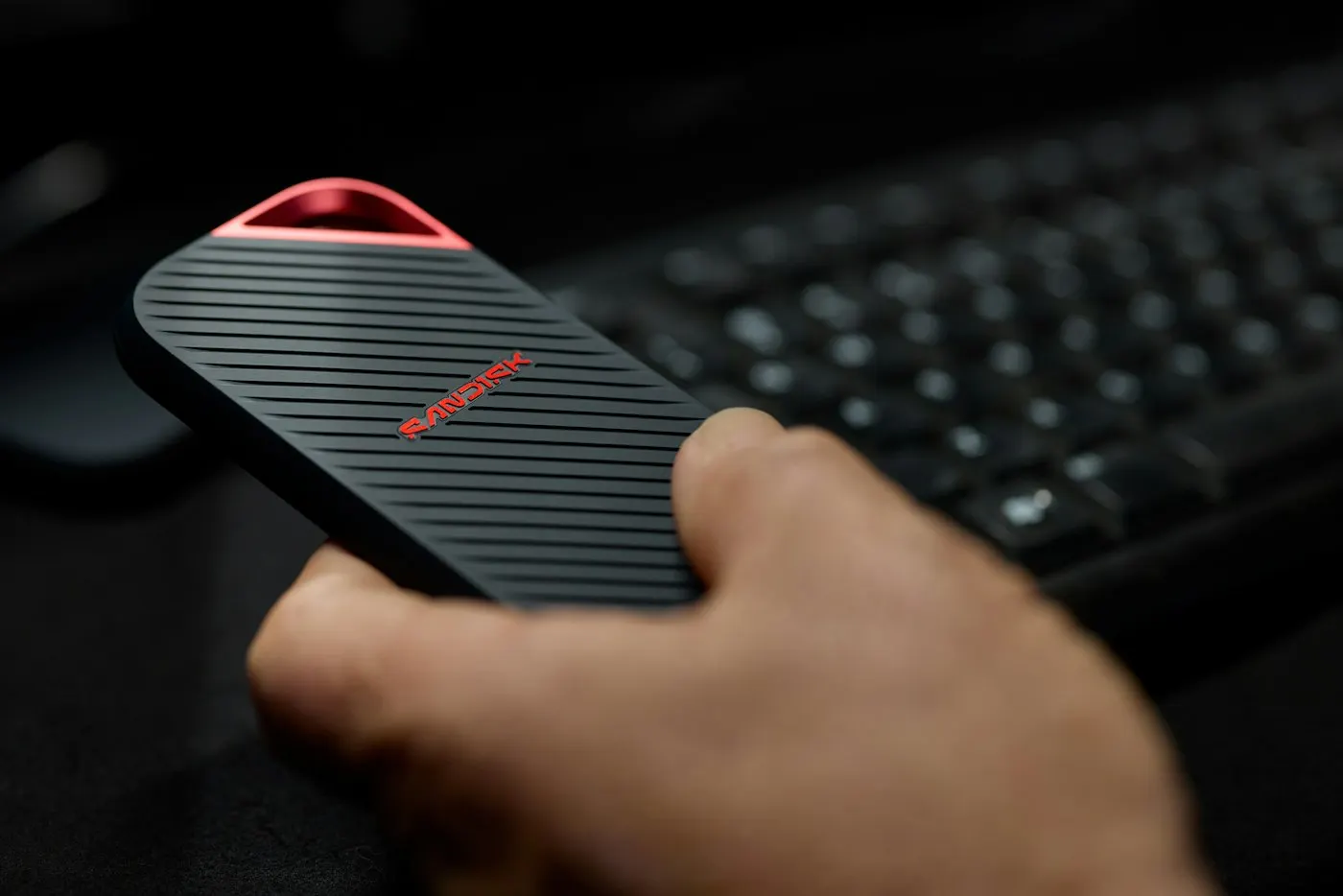
The SanDisk Extreme Portable SSD V2 is the rugged option. TechAdvisor's review confirms SanDisk rates it at 1,050MB/s read and 1,000MB/s write, measured in testing at roughly 1,027MB/s and 958MB/s, with IP55 dust and water resistance and a warranty that SanDisk doubled from 3 years to 5 years for this generation. It comes in 500GB, 1TB and 2TB sizes, listed at $119.99, $199.99 and $354.99, though it's frequently discounted well below those figures at major retailers. Best for: anyone who wants a drive that can survive a work site, a beach bag or a glovebox. Main drawback: its rated speed is roughly half of the T9 or X10 Pro, so it's not the move if raw throughput is the priority. Skip this if you never take your drive outside a desk or a laptop bag.
Advertisement
The WD My Passport SSD is the budget pick. Retailer listings put its rated speed at up to 1,050MB/s read and 1,000MB/s write, with AES 256-bit encryption and drop resistance to about 6.5 feet (1.98 meters), and it is commonly available for well under $100 at 1TB in several markets. The catch is the warranty: WD backs it for 24 months, far short of the 5-year coverage every other drive on this list carries. Best for: a cheap second backup drive or a spare for a kid's laptop. Main drawback: that short warranty is a real signal about expected lifespan, not just paperwork. Skip this if the drive will hold your only copy of anything irreplaceable.
✦ Free Newsletter ✦
Never miss a story
Tools, tutorials and AI deep-dives - straight to your inbox, every week.
Compare the Specs Side by Side
| Drive | Rated Read/Write | Capacities | Warranty | Durability |
|---|---|---|---|---|
| Samsung T9 | 2,000 / 1,950 MB/s | 1TB, 2TB, 4TB | 5 years | 3m drop resistant |
| Crucial X10 Pro | 2,100 / 2,000 MB/s | 1TB, 2TB, 4TB | 5 years | IP55 |
| SanDisk Extreme SSD V2 | 1,050 / 1,000 MB/s | 500GB, 1TB, 2TB | 5 years | IP55 |
| WD My Passport SSD | 1,050 / 1,000 MB/s | Up to 2TB | 2 years | Drop resistant to 1.98m |
The Speed Number on the Box Rarely Survives Contact With Your Laptop
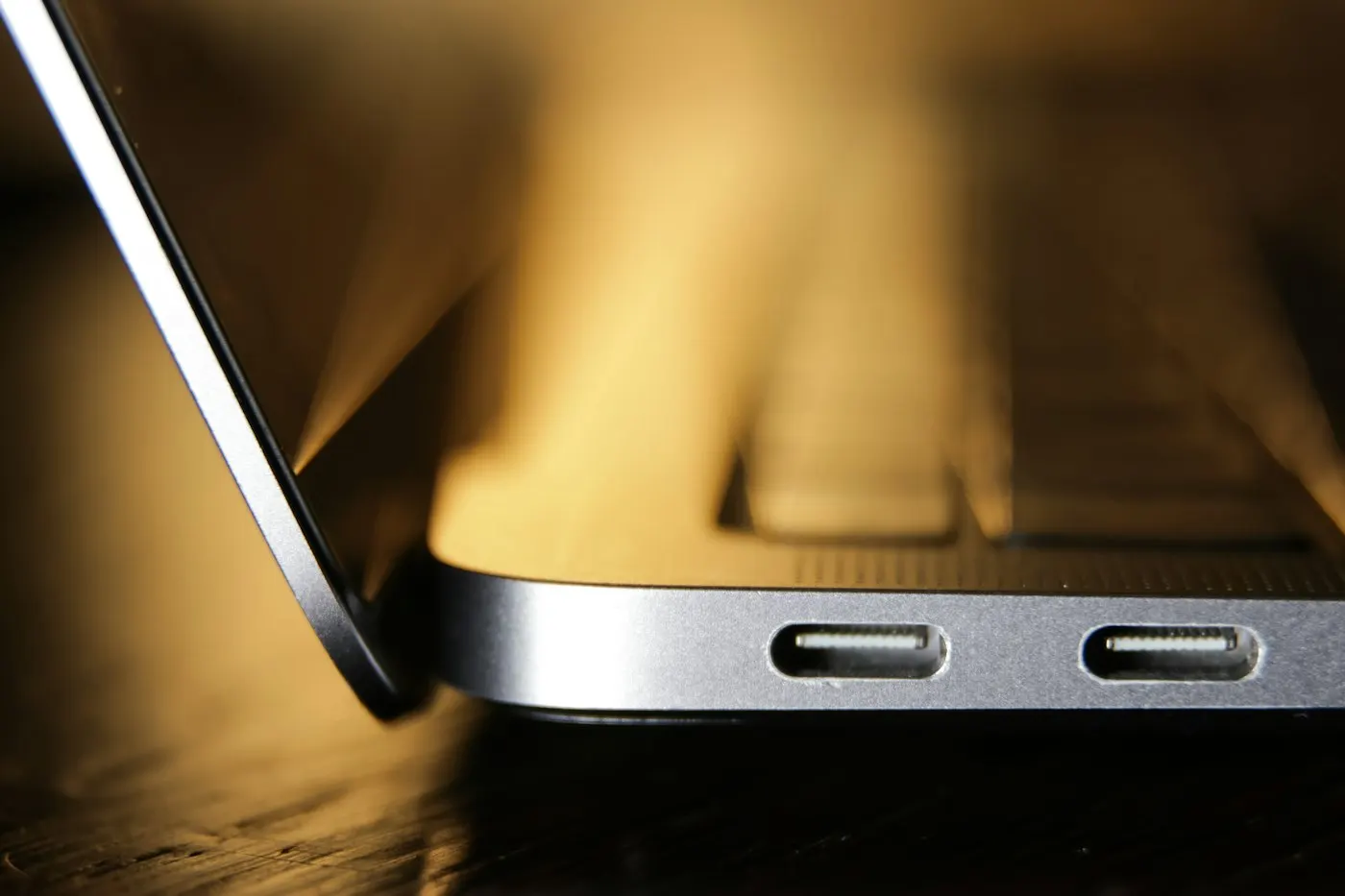
Here's the caveat most portable SSD roundups skip entirely: a 20Gbps-rated drive only hits 20Gbps if the port, the cable and the drive all support USB 3.2 Gen 2x2. A lot of current laptops, including many mainstream Windows machines and older MacBooks, only expose 10Gbps or even 5Gbps USB-C ports. Plug a Samsung T9 or Crucial X10 Pro into one of those and you'll get roughly half the advertised speed or less, no matter how much you paid for the drive. This doesn't make the faster drives a bad buy, since they still outperform slower drives on a 10Gbps port, but it does mean the marketing gap between a $140 drive and a $440 drive is often invisible in daily use unless your laptop can actually feed it.

The honest counterpoint to "always buy the fastest drive you can afford" is that for most people, capacity and reliability matter more than another few hundred megabytes per second. If your workflow is backing up photos overnight or carrying a Steam library between a desktop and a laptop, a 10Gbps drive at a lower price will feel identical in practice. The case for paying up for 20Gbps drives is narrow: video editors moving large RAW or RAW video files, anyone copying multi-hundred-gigabyte game installs repeatedly, or professionals who bill by the hour and feel every minute of a slow transfer.
Advertisement
A Simple Rule for Picking One
- Choose the Samsung T9 or Crucial X10 Pro if your laptop has a confirmed 20Gbps (USB 3.2 Gen 2x2) or Thunderbolt/USB4 port and you move large files regularly.
- Choose the SanDisk Extreme Portable SSD V2 if you need the drive to survive weather, drops, or a job site, and raw speed is secondary.
- Choose the WD My Passport SSD if this is a backup-only drive, your budget is tight, and you accept a shorter warranty window.
- Skip all four and look at a drive with a higher IP68 rating instead if you plan to submerge it, since none of these are rated for that.
If you're expanding storage on a handheld like the ones in our Steam Deck alternatives guide, note that most handhelds cap out at 10Gbps USB-C, so a 20Gbps drive won't load games any faster there either. This guide is for anyone shopping for a single external drive for backup, creative work, or extra storage on a laptop that's running low on space. It's not for enterprise or NAS buyers, who should be looking at rack-mounted or multi-bay storage instead, and it's not for anyone who already owns a drive from this list that still works, since none of the 2026 updates here are dramatic enough to justify replacing a working drive early.
What We Left Out and Why
We left out drives under 500GB because at current NAND pricing they rarely save enough money over a 1TB model to be worth the capacity trade-off. The 2026 memory shortage pushing up phone and PC prices has also pushed flash storage costs up industry-wide this year, which is part of why street prices on every drive here move around more than usual, so treat the figures above as a snapshot rather than a guarantee. We also left out drives that only ship with USB 3.2 Gen 1 (5Gbps) interfaces, since that speed ceiling makes them a weak value next to the 10Gbps and 20Gbps options above even at a lower price.
Advertisement
Last updated: October 2, 2026
Sources

Advertisement